
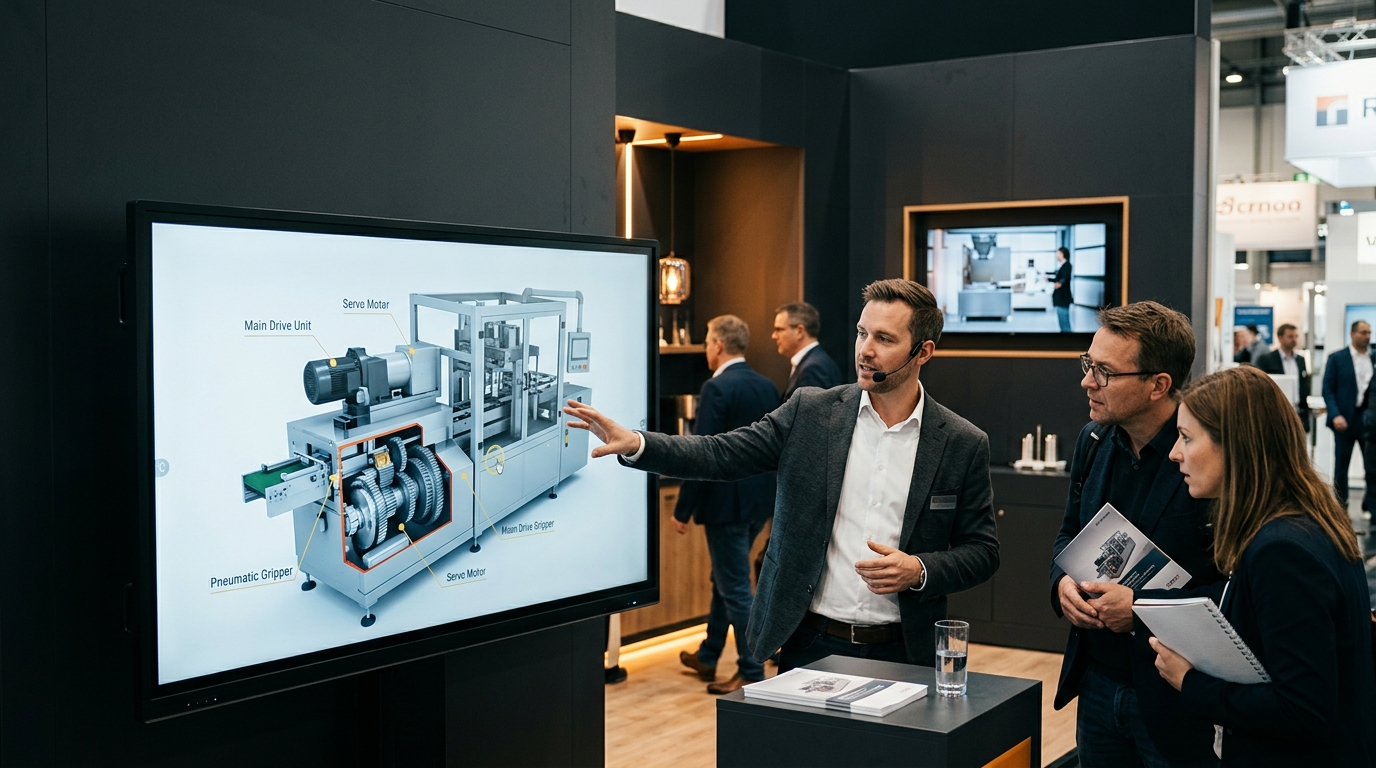
Interactive 3D Machinery Simulation vs. Traditional Product Videos: Unlock Industrial Sales Power Now
Advantages of Interactive 3D Simulation
Effects on Customer Engagement

Influence on Purchasing Decisions
Why Interactive 3D Machinery Simulations Dominate Industrial Sales?
How Do 3D Simulations Ignite Engagement Beyond Traditional Videos?
What Makes Virtual Machinery Demos a Game-Changer for Sales Teams?
How Do 3D Product Visualizations Deliver Superior ROI Over Videos?
What Cost Advantages Do Interactive Demos Offer Compared to Video?
What Features Define SuperBot Industrial’s 3D Machinery Simulation?
How Does Real-Time Interaction Enhance Product Understanding?
Which Detailed Components Can Users Explore in 3D Demos?
- Interactive Features: These enable users to engage directly with machinery components, manipulating parts to see how they function.
- User Interface Elements: The simulation includes a user-friendly interface that allows seamless navigation through the demo.
- Examples of Machinery Components: Users can examine various elements like control panels, mechanisms, and hardware to better understand functionality.
How Are Industrial Trade Shows Transformed by 3D Interactive Demos?
Can Interactive Simulations Replace Physical Booths Effectively?
What Proven Impact Do Interactive Exhibits Have on Lead Generation?
How Can Training Teams Harness 3D Machinery Simulations for Success?
What Benefits Do 3D Tools Bring to Industrial Training Programs?
- Realistic Simulations: 3D environments enable realistic walkthroughs of machinery, which helps trainees understand equipment operation.
- Cost Savings: Simulation tools reduce the need for physical training materials and enable safe learning environments without the risk associated with real machinery.
- Flexibility in Training: Trainees can access 3D tools anytime and anywhere, accommodating various learning styles and paces.
How Do Simulations Improve Learning Retention Compared to Videos?
How to Request and Use Interactive 3D Product Demos for Maximum Impact?
- Request Process: Reach out to your SuperBot contact to express your interest in scheduling a demo.
- Best Practices: Outline specific interests or questions you have regarding the machinery so the demo can be tailored.
- Application in Sales: Utilize insights from the demo in discussions with stakeholders or decision-makers to facilitate informed purchase decisions.
What Steps Unlock Your Personalized SuperBot 3D Demo Experience?
- Step-by-Step Guide: Visit the SuperBot website to fill out a demo request form detailing your interests and needs.
- Contact Information: Make sure to provide your contact details for follow-ups.
- Scheduling Opportunities: Choose a convenient date and time for your demo to ensure you can engage thoroughly with the product.